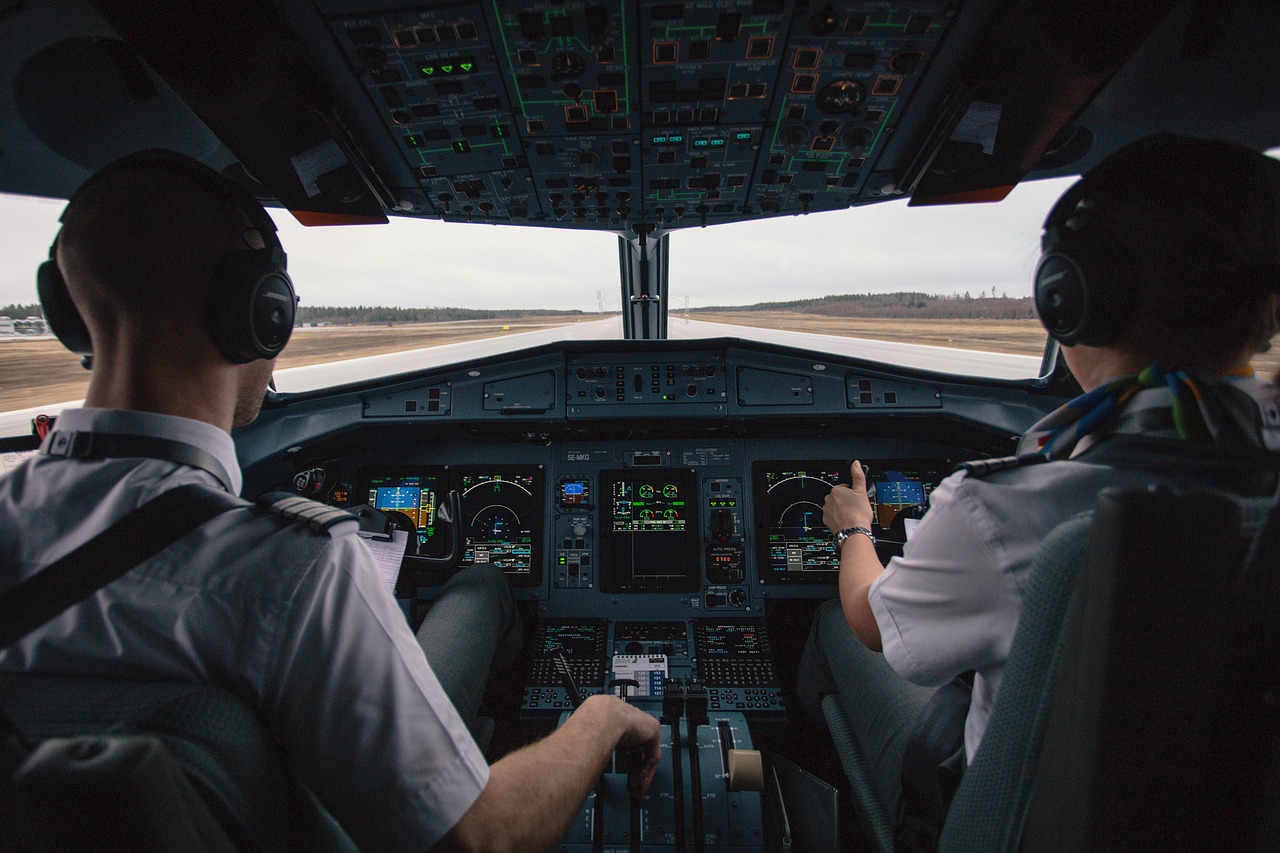
A couple of years ago, the first AI tool I used for coding was GitHub Copilot. It was a big deal at the time. You were coding, and it provided really smart autocomplete, even multiple lines with simple algorithms that it guessed you needed. Then Cursor came in with even more powerful autocompletion, but it was still you who coded. Just pair programming with AI.
Then we got agents. Autopilots? Not really. They keep asking for your attention:
- "Can I run this command?"
- "Summary of changes: Lorem ipsum blah blah blah"
- "Say the word and I'll commit it"
- "We need to do A, B, C. I can start with implementing A."
They want you to approve proposed commands, review the code, and confirm before they proceed. These products are optimized for perceived safety, not autonomy. This is why they keep asking for your permission. Your copilots need babysitting.
Then let's assume you auto-allowed all commands and crafted the CLAUDE.md
so your agents actually have agency. It turned out agents still tend
to apply changes incrementally in small steps. Once five minutes pass, you
need to tell them to proceed. It's closer to autopilot, which keeps
moving till it hits a real boundary, but still. You might expect
stretches of autonomy to last longer than five minutes.
What's the outcome? The multi-agent context-switching hell. You end up getting distracted and spinning another agent while waiting for the current one. Then you need to review multiple outcomes from different projects. It pulls you out of flow. Context switching, status checking, reloading the task into your head -- that's a real cognitive cost, and also something that slows down the process.
Don't get me wrong: copilot mode is not autonomous, not truly agentic, and demands a lot of your attention on a single task -- but it's often more suitable for a variety of cases: rapid iteration, unique specialized features, surgical edits.
Working with AI in copilot mode calls for deep focus on one task if you want to stay efficient. It also depends on fast responses from your tools so you don't keep getting pulled away. That setup magnifies your speed.
| Copilot | Autopilot | |
|---|---|---|
| Act as | Single contributor | Manager |
| Focus on | Deep work, single task | Delegating tasks, parallelism |
| Requires | Fast responses | Boundaries and sandboxing |
| Improves | Speed | Range |
By contrast, there is the autopilot approach.
When you fly a plane, the autopilot can keep working while you rest.
When you manage people, you don't give them tasks every five minutes. You expect far more autonomy. And you need to trust people to avoid micromanaging. If you pay too much attention, you are the bottleneck.
A couple of versions ago, Claude started to optimize token usage by not reading and writing entire files. Instead, it uses small scripts created on the fly to edit files programmatically. Several times I've seen Claude ask for permission to run an inline Python script that simply replaces content in a file. That piles up tiny one-off scripts to approve: run by run, or via a blanket allow-all policy.
Agents perform best in full-autonomy mode with all permissions on tasks that take more than five minutes. You want to minimize how often you must interact with an agent. Ideally, when you trigger a task, let the agent work and verify the outcome at the end -- whether that's thirty minutes, two hours, or the next morning. Make tasks long enough that you aren't context-switching unnecessarily every few minutes.
"Human in the loop" should not mean "human in every loop." Humans should enter the loop only at high-leverage decision points.
That approach requires a lot of autonomy for agents. That also means agents can break the environments they run in. Ultimately they are probabilistic tools, converging to the goal. They may break stuff on the way.
If you want autopilot, you need sandboxing to stay safe. And you need good boundaries -- to prevent regression and not break the project, but also boundaries in terms of spec, so an agent can deliver exactly what you want. This tension -- autonomy versus safety -- is why I started building Jaiph: to impose boundaries and Docker sandboxing on agentic workflows so agents can act as true autopilots.
While the copilot approach lets you move faster on a single thing, the autopilot approach lets you work on a bigger scale.
Copilot magnifies your speed. Autopilot increases your range.
